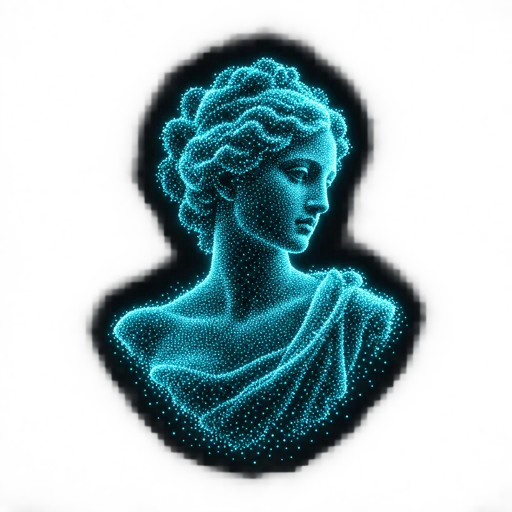
Single image input
A product photo, a render, or a clear shot of one object is enough. The subject is cut out before reconstruction.
Image → Gaussian splat
Upload one image and get a rotatable 3D Gaussian splat. No camera rig, no photogrammetry app, no local GPU. Preview it here and download .splat or .ply.
A product photo, a render, or a clear shot of one object is enough. The subject is cut out before reconstruction.
Every result is a standard 3DGS splat at 262,144 gaussians, the density the model was trained for.
The .splat opens in this viewer or any splat viewer. The .ply opens in SuperSplat, Blender add-ons, and 3DGS tooling.
Photogrammetry needs many photos from different angles and a reconstruction pass. This tool takes one image and predicts the unseen sides, so it is fast but the back is invented, not measured.
Use .splat for web viewers: it is compact and loads quickly. Use .ply when a desktop tool expects the standard 3DGS property layout.
Not here. A splat is a cloud of Gaussians without a surface, so converting it to a clean mesh is a separate modelling step. The .glb we export is a point-cloud preview.
One generation costs 120 credits. Credits are sold on the pricing page, never expire, and a failed run is refunded automatically.
One upload is enough to see whether your subject reconstructs well.
Upload an image